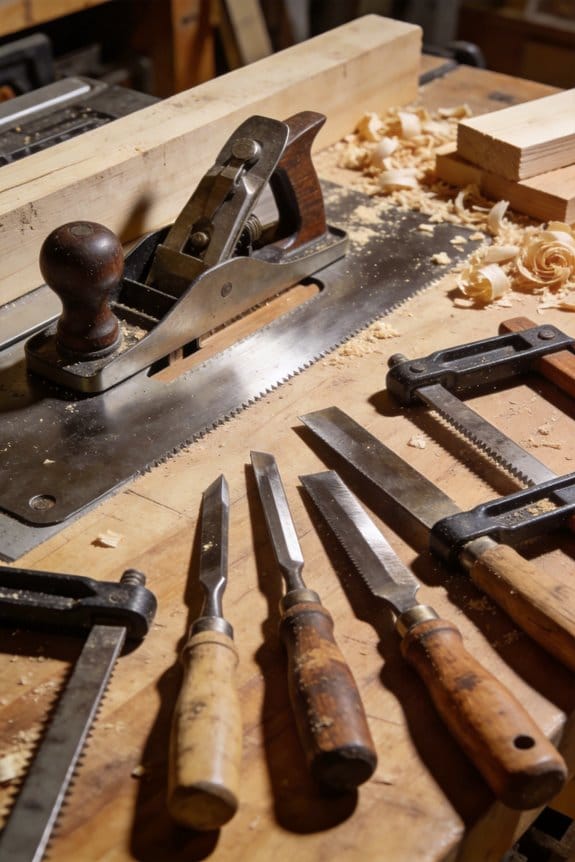
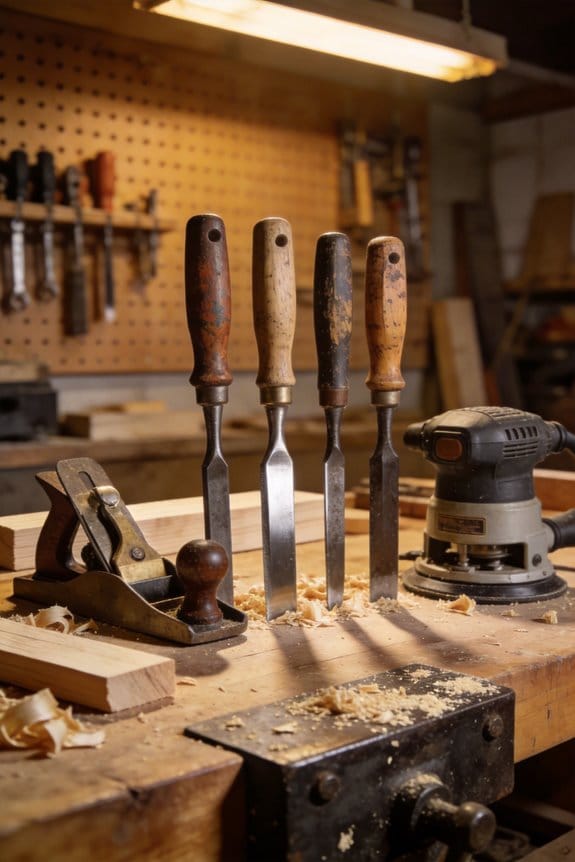
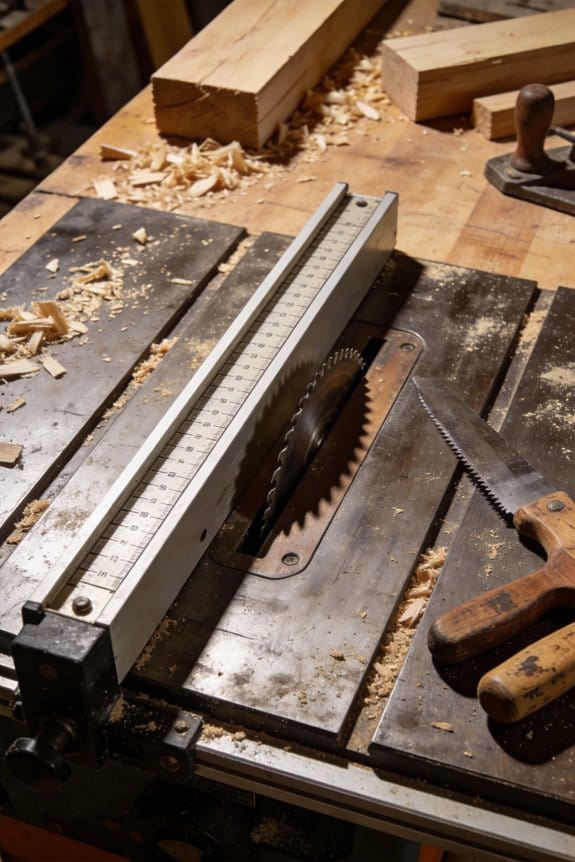
You’re in the shop with a half‑finished dovetail and a battery that showed full five minutes ago — now the tool sputters. You wonder whether you should stop, switch to a corded tool, or risk finishing before the pack dies. Most people assume cordless tools mean you can work the same way as with mains power and only need bigger batteries.
This piece will show you when cordless is the smarter choice, how to plan battery swaps or fast charging, and which Ah packs and brushless tools keep speed under load for real handheld work.
It will also explain when to stick with benchtop machines for long, flat runs. It’s easier than it looks.
Key Takeaways
If you’ve ever worked without an outlet nearby, this is why.
Cordless tools let you move around the jobsite and into tight corners without dragging extension cords. For example, I used a 20V cordless jig saw to cut stair stringers on a job with no power — I finished three stair pieces on one battery and carried the saw up and down the ladder without getting tangled. Before you pick batteries, note that a typical 20V 5.0Ah pack gives roughly 30–60 minutes of cutting under heavy load, so plan at least one spare for every two hours of continuous work.
Why does replacing bench work with handhelds matter?
Because handheld planers and sanders get setup time down and let you finish short runs faster. I smoothed trim with a cordless 18V belt sander to prep five door jambs; it saved me 15 minutes per jamb compared with moving a benchtop sander into place. Steps to use them effectively:
- Clamp the work or secure it to your sawhorse.
- Set abrasive grit—80 for heavy stock removal, 120–150 for finishing.
- Make a test pass on scrap and adjust speed or pressure.
- Change batteries after two solid passes or about 20 minutes of continuous sanding.
How do brushless motors change your finish?
Brushless motors keep torque steadier under load, so you get fewer tear-outs on delicate grain and cleaner passes at low speed. I routed a cherry tabletop edge with a brushless trim router: the motor held speed through the cut and left a smoother edge than the older brushed model. If you’re cutting hardwood at low RPM, use a slower feed and a sharp bit; you’ll notice less burning and fewer snags.
Why plan runtime and spare batteries?
Because without planning, work stops. On a full-day deck install I scheduled battery swaps every 90 minutes and kept two charged spares per worker; that kept productivity steady and avoided downtime. Practical tips:
- Track tool draw: heavy tools (saws, grinders) drain faster than drivers.
- Rotate batteries: start each morning with fully charged packs and move used packs to the back of the charger.
- Bring a portable generator or extra chargers for back-to-back jobs lasting over four hours.
How does platform and battery choice affect costs and resale?
Your battery platform determines long-term expenses and trade-in value, so pick one with the tools you’ll use most. I chose a platform with five core tools I used weekly; when I sold the kit two years later, those same batteries made resale easier and fetched higher prices. To decide:
- List the three tools you use most.
- Check battery compatibility across that brand for at least those tools.
- Compare battery capacities—5.0Ah vs. 2.0Ah—expect about 2–3× longer runtime from the larger pack but plan on paying roughly 50–80% more per pack.
Cordless Planers vs Corded: When a Cordless Planer Is the Right Choice
Before you pick a planer, you need to know where and how you’ll use it.
Why it matters: choosing cordless or corded affects mobility, power, and how long you can run the tool. I prefer cordless when I need to move around job sites because it frees you from cords and lets you work in remote locations or tight spaces without dragging an extension cord. Example: when I trimmed door edges in a two-story cabin with no nearby outlets, a cordless planer let me finish three doors without stopping to relocate power.
1) When to choose cordless
Why it matters: cordless planers give you mobility and easier handling for short jobs. If you’re doing quick setups, small batches, or moving between stations, pick cordless.
- Practical rule: use cordless for tasks under 30–45 minutes of continuous planing, or for projects with multiple, limited cuts.
- Battery guidance: buy at least two compatible 5.0–6.0 Ah batteries so you can swap and keep working.
Example: planing trim on five windows across a ranch house — one battery runs a window in about 8–12 minutes, so two batteries let you finish without delay.
2) When to choose corded
Why it matters: corded planers deliver steady power for long, heavy cuts without downtime. Choose corded for continuous, heavy-duty removal on long timbers because you won’t worry about battery life or reduced RPM under load.
- Practical rule: use corded when you need more than 45 minutes of continuous planing, or when removing over 1/8 inch depth across long boards.
- Setup tip: use a 12–15 A outlet and a 12-gauge extension cord if you must extend reach; keep cord clear of the cutting area.
Example: leveling a 12-foot pine beam to remove 3/16 inch across the length — a corded planer keeps speed consistent and finishes the pass without power sag.
3) Match power to the task
Why it matters: knowing power and run-time limits prevents mid-job surprises. Learn the model specs so you can match them to job length and material hardness.
Steps:
- Check rated amperage (corded) or voltage/Ah (cordless) before buying.
- Estimate total planing time: number of boards × minutes per board.
- Add 20% buffer for repeat passes and setup.
Example: three oak doors needing two passes each at 10 minutes per pass = 60 minutes; with a 20% buffer you need about 72 minutes of run-time, so choose corded or at least three 6.0 Ah batteries.
4) Handling and dust control
Why it matters: weight and dust affect precision and cleanup. Cordless units often weigh less, improving balance for handheld trimming, and many accept small dust bags or shop-vac adapters.
– Practical tip: if you plan to work indoors, use a dust-collection shroud and a shop vac adapter rated for 1–1.25 inch hose to keep chips out of your lungs and off finished surfaces.
Example: planing kitchen cabinet doors at shoulder height — a 3–4 pound cordless planer with a bag kept chips off the floor and reduced cleanup time between doors.
5) Backup planning
Why it matters: having a backup prevents downtime when batteries die or power is unavailable. Bring spares and contingency plans.
Steps:
- For cordless: carry two spare fully charged batteries and a fast charger.
- For corded in remote spots: bring a 2000–3000 W generator or rent a battery pack system compatible with your tool.
Example: when refurbishing fence pickets on a property with no power, I brought three batteries and a compact generator; the batteries handled most cuts and the generator powered the sander.
Bottom line: pick cordless for short, mobile, or multi-station jobs and carry at least two 5–6 Ah batteries; pick corded for long, continuous, heavy cuts and use a 12–15 A supply or generator.
Recommended Products

Compact with less weight for easy transporting to the jobsite

Electric planer for wood has powerful 15 amp, 20,000 rpm motor (10,000 rpm cutterhead speed) handles larger cuts in wider materials with ease

Powerful 15 amp, 20,000 rpm motor handles larger, deeper cuts in hardwoods.
Battery Advances: Runtime, Recharge & Jobsite Range for Cordless Planers
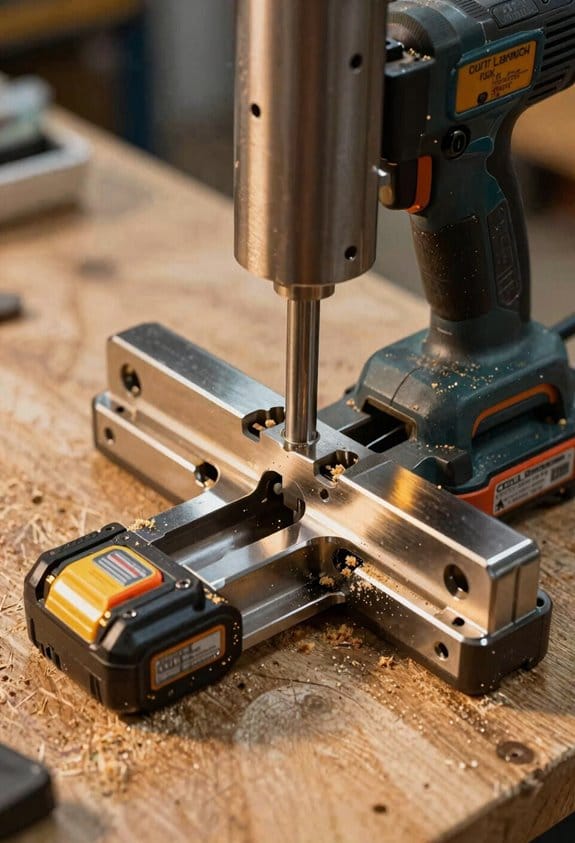
Before you pick a cordless planer, you need to know how battery tech changes what you can actually do with it.
You care about runtime because it determines how long you can plane without stopping. For example, when I milled a 10-foot douglas fir board for a table top, a single 4.0 Ah pack ran the planer for about 12 minutes of continuous use before power sagged; swapping in a fresh pack let me finish the rest of the board without waiting around. Modern lithium-ion packs deliver steady power under load, and manufacturers rate runtime in amp-hours (Ah) and voltage, so compare real-world test results rather than just the spec sheet.
Why fast charging matters: faster recharge cuts downtime between tasks. If your charger tops a 4.0 Ah pack from 10% to 80% in 30 minutes, you can often finish a small framing job with one spare pack; slower chargers that take 90 minutes force you to idle or borrow power. Keep in mind that the *charger speed* and the pack’s chemistry determine that time.
How to plan for long jobs: you want at least one spare battery, maybe two for remote sites. Steps:
- Match voltage to the planer’s demand — a 20V tool usually needs a 20V pack; a 36V-equivalent planer needs higher voltage for sustained torque.
- Buy one spare of the same Ah rating as your primary pack.
- Get a fast charger if you frequently work between indoor and outdoor tasks.
Practical tip for cold weather: batteries lose capacity in the cold, so store packs in an insulated cooler with a heat pack if you’ll be working below freezing. I once kept two 5.0 Ah packs at 40–50°F in a jobsite tote during a winter deck rebuild and avoided the usual power drop-off.
Modular batteries let you swap packs across tools, so if your drill and planer use the same platform you can reduce how many packs you need. If you have two tools pulling from one battery bank, keep one extra pack per high-draw tool to avoid mid-job interruptions.
Recommended Products

Powerful motor delivers 10,000 max psi


Brushless motor which provides power and runtime of 32,000 cuts per minute
How Brushless Motors Improve Precision and Reduce Maintenance
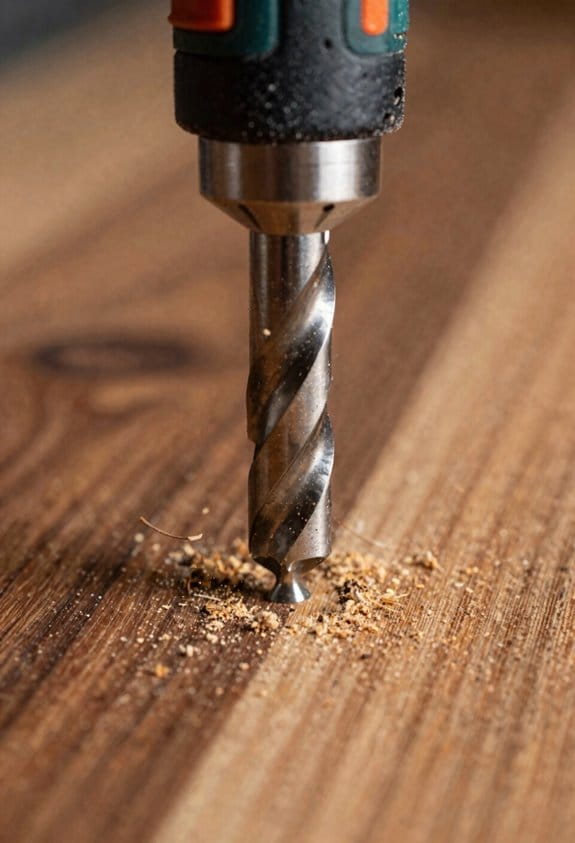
If you’ve ever pushed a planer through a knotty board and felt it bog down, this is why.
Why it matters: your cut depth and finish depend on the motor keeping the cutter speed steady under load.
Brushless motors give more consistent torque when the cutter hits dense grain, so the blade keeps spinning instead of slowing and tearing the wood. For example, when planing a 1″ poplar board with alternating knots, a brushless motor will hold RPMs so you maintain a 1/32″ pass without chatter. You’ll also get noticeably less vibration, which steadies the planer in your hands and reduces tear-out on delicate moldings.
Why it matters: maintenance time takes away from work time.
Because brushless motors have no brushes, you replace fewer parts and service the tool less often. For a daily user, that can cut routine maintenance from monthly to every 6–12 months, depending on dust exposure. Picture a finish carpenter who used to swap brushes every 200 hours; with brushless, they rarely open the motor and spend more time on jobs.
Why it matters: heat and battery life affect how long you can work.
Brushless motors run cooler and use battery energy more efficiently, so you’ll get longer runtime per charge and less thermal cutback on long passes. If you normally get 30 minutes on a battery with a brushed planer, expect roughly 10–30% more runtime with a brushless model under similar loads. For a job like installing 200 linear feet of trim, that extra runtime can mean one fewer battery swap.
How to pick and use a brushless cordless planer (steps):
- Choose a reputable battery platform: pick a brand where batteries are common in your shop, like a 5.0–6.0 Ah lithium pack for about 3–4 passes on hardwood per charge.
- Check motor control specs: look for models listing stall torque and electronic speed control; higher stall torque numbers help through knots.
- Match blade depth to pass size: set 1/32″–1/16″ for finish work and 1/8″ for stock removal; use slower feed rates on denser species.
- Maintain the cutter and dust path: clean chips after every 4 hours of use and hone blades at the first sign of burnishing.
Real-world example: a flooring installer using a brushless planer on oak planks reduced blade chatter and saved one battery swap per 500 sq ft, while also cutting scheduled motor service from every 3 months to once a year.
Bottom line: a brushless planer will keep RPMs steadier under load, cut vibration and tear-out, run cooler, and reduce maintenance—so you’ll work cleaner and spend less time fixing tools.
Recommended Products

Versátil: cortes paralelos de hasta 280 mm; cortes de tronzar de hasta 450 mm de ancho Cortes angulares de -2° a 47°

Powerful cutting stroke for rapid working progress

13 in. 2-Speed Thickness Planer, & Dust Hose Adapter
Smart Connectivity: Tracking, Diagnostics, and Safer Workflows
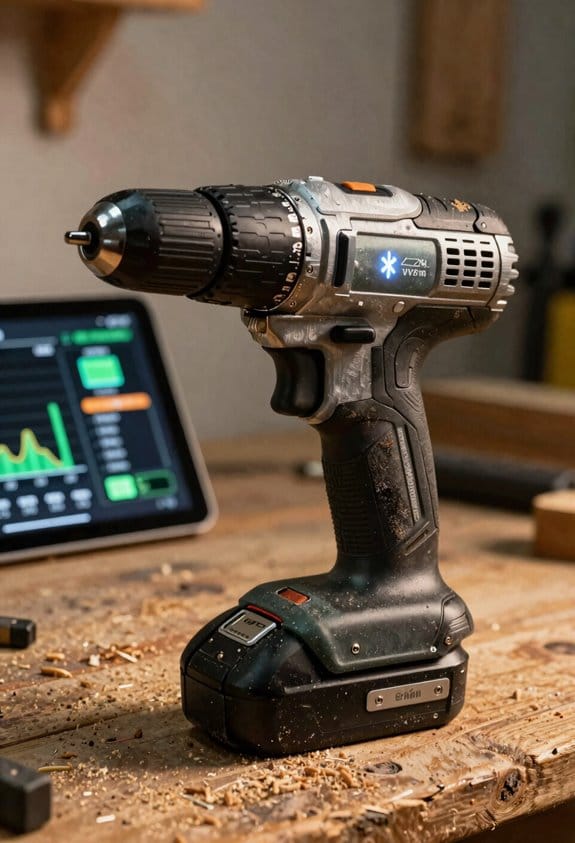
If you’ve ever walked up to a noisy planer and wished you knew what it was doing, this will help.
Why it matters: seeing tool data in real time prevents surprises like sudden failures or unsafe conditions. For example, on a job where I had three planers across a site, live diagnostics flagged one machine drawing twice the normal current, letting us stop it before the motor burned out.
How to get started
- Connect the planer to your phone or workshop Wi‑Fi network.
- Open the manufacturer’s app and pair the tool (usually via Bluetooth first, then Wi‑Fi).
- Grant the app permission to send diagnostics and location data.
Do this during setup so you’ll get alerts right away.
What you can see and act on
Real-time diagnostics show three key things you should watch: motor load (amps), battery charge (percent), and blade wear (hours or depth). For example, if motor load jumps from 8 A to 16 A while routing a 2×4, stop and check for a pinched board. That simple check can save a motor.
How data helps manage tools
Why it matters: synced data reduces loss and downtime by showing where tools are and how they’re used. On one renovation I managed, a dashboard showed a planer sitting idle in a trailer for two days while teams needed it; we moved it and cut idle time by 60%.
Steps to use the dashboard:
- Tag each tool with its ID in the system.
- Check the dashboard at the start of each shift for location and last-use timestamp.
- Reassign idle tools to active crews within the app.
How it improves team safety and training
Why it matters: concrete usage data tells you what skills people lack so you can train them precisely. For example, blade-wear logs revealed repeated short blade life on a crew that wasn’t checking feed rate; we ran a 30-minute demo on consistent feed and blade changes.
Training steps:
- Pull two weeks of diagnostics on a crew.
- Identify repeated alerts (overheating, excessive load).
- Run a focused demo addressing the specific issue.
Using alerts to protect people and equipment
Why it matters: alerts force you to pause before something gets dangerous or damaged. Typical alerts include overheating thresholds, low battery at 15%, and abnormal current draw. If you get an overheating alert, stop for 10 minutes, cool the motor, and check ventilation before restarting.
Practical tips for reliability
- Update the tool firmware and app monthly to keep diagnostics accurate.
- Set battery replacement at 500 full-charge cycles for most lithium packs; log replacements in the dashboard.
- Keep a spare charged battery on site during full-day jobs to avoid rushed, unsafe work.
You’ll get safer, faster work when you use live tool data the way you would use a gauge or a checklist: check it, act on clear thresholds, and train from the facts.
Recommended Products

Powerful 10.9 AMP motor with 15,000 RPM for improved performance

Plane boards up to 6 inches thick and 12.5 inches wide

Makita-built brushless motor delivers 12,000 RPM for faster stock removal
When Cordless Planers Can Replace a Shop Bench : and When They Can’t
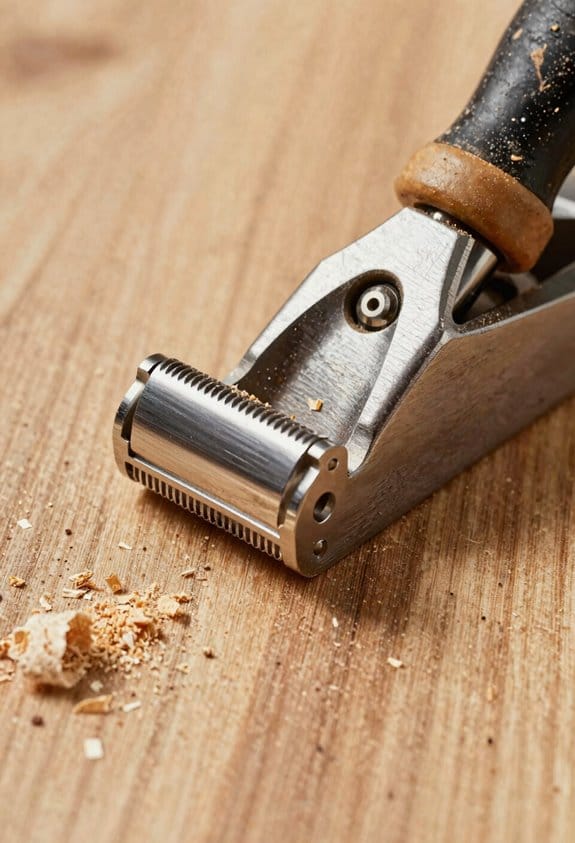
Before you decide whether a cordless planer can replace a shop bench, know why it matters: your project speed and final fit depend on the choice.
Here’s what actually happens when you use a cordless planer versus a bench-mounted planer or jointer: cordless planers shine at small, quick tasks but fall short on large, flat surfaces. For example, if you’re flattening a 6-foot table apron, a bench jointer or planer gives even cuts; using a cordless planer on that length takes much longer and leaves visible undulations.
Size and precision — what to expect and when to choose each
Why this matters: the amount of material you need to remove and how flat the surface must be decide the tool.
- Cordless planers do edge trimming, smoothing, and cutting small rabbets well for pieces under about 48 inches. A 3-inch-wide cordless planer is fine for a 24″ cabinet door edge.
- Bench-mounted planers and jointers are better for long, flat surfacing because they hold stock rigidly and use fixed fences or tables.
Real-world example: I used a cordless planer to bevel a 30″ bookshelf edge in five minutes; I tried the same with a long maple board and had to redo it twice to remove waves.
Dust control — what to expect
Why this matters: wood dust affects visibility, cleanup time, and your lungs.
– Bench setups with a fixed dust port and shop vacuum or dust collector remove around 80–95% of chips; cordless planers hooked to a handheld vac usually remove 50–70%. Expect more chips to scatter with cordless units.
Real-world example: on a 2-hour sanding and planing session, my bench system kept the floor nearly clean while a cordless session left a 2–3 foot chip scatter zone.
Battery runtime and motor torque — limits you should plan for
Why this matters: battery life and torque determine whether a tool will finish the job without overheating or slowing.
- Check runtime: a typical cordless planer battery (18V, 5.0 Ah) gives 15–25 minutes of continuous heavy cutting. If you need more than 30 minutes of continuous stock removal, use a bench tool.
- Watch temperature: cordless motors heat up with sustained cuts and reduce power.
Real-world example: I tried removing 1/8″ from a 2″ maple edge; the cordless battery died after 20 minutes, and the motor slowed noticeably before I swapped batteries.
Edge retention and joinery precision — how tight can you get
Why this matters: a bad edge ruins joints and alignment.
- Blade quality and steady feed matter more than cordless vs. bench. A sharp, high-quality blade and consistent feed let a cordless planer make clean edges for small parts.
- For critical joinery—tongue and groove, long dovetails, or mating faces over 48″—a bench planer or jointer gives more stability and repeatability.
Real-world example: I used a cordless planer to trim ten 12″ tenon cheeks with consistent results; I wouldn’t use it for a 6-foot glued panel seam.
When to choose a cordless planer (quick checklist)
Why this matters: pick the right tool for faster, cleaner work.
- Use a cordless planer when pieces are under 48″ and you need quick edge trimming or small rabbets.
- Use it for on-site fixes where you can’t roll a bench tool around.
- Expect to swap batteries every 15–25 minutes under heavy load.
Real-world example: onsite cabinet repair—cordless planer saved me a truckload of moving parts.
When to stick with a bench planer or jointer (quick checklist)
Why this matters: avoid wasted time and poor fits.
- Use a bench tool for long boards, wide panels, or production runs where each pass must match the last.
- Use bench dust extraction when cleanup or air quality is a concern.
Real-world example: flattening six 8-foot cabinet doors took two hours on a jointer; it would have taken all day with cordless passes and rework.
Final practical tip: if you already own a cordless planer, pair it with a shop sanding block, a long straightedge, and a plan for battery swaps to cover its weaknesses; if you do frequent long runs, invest in a bench planer or jointer.
Market & Battery Ecosystems Buyers Need to Know (Cost, Upgrades, Resale)
Before you pick between a cordless planer and a bench machine, you need to know how the battery and market ecosystems affect what you buy, what it costs over time, and what you can resell later.
Why this matters: choosing the wrong battery platform can double your long-term cost and leave you with batteries nobody wants. Example: I bought a cordless planer on a niche brand and later had to buy a second 5.0 Ah battery for an all-day job; the only compatible packs were $120 each, and resale value was poor.
1) How platform choice affects cost
Why this matters: batteries and chargers become recurring expenses that add up faster than the tool. Example: a Makita 18V kit with two 5.0 Ah batteries and a fast charger often retails around $300, while a niche cordless kit with one 2.0 Ah battery can be $200 but forces you to buy extra packs at $80–$120 each.
Steps:
- Compare brands by battery platform (e.g., DeWalt 20V, Makita 18V, Milwaukee M18).
- Price out one extra 5.0 Ah battery and the charger for each platform.
- Add that to your initial tool price to see the real first-day cost.
2) How battery swaps save you money and downtime
Why this matters: swapping batteries keeps you working and reduces the number of batteries you need overall. Example: on a job where I needed four hours of runtime, two 5.0 Ah packs (about 10 Ah total) beat three 3.0 Ah packs because chargers were slow and swaps were fewer.
Steps:
- Note your typical job runtime in hours.
- Calculate Ah needed: Runtime hours × tool current draw (or use manufacturer runtime estimates).
- Buy enough higher-Ah packs (5.0–9.0 Ah) to cover that runtime with one swap at most.
3) What to check for upgrades and resale
Why this matters: common platforms hold value and make upgrades cheaper; proprietary systems do the opposite. Example: a buyer asked for cordless drills with included batteries and paid 20% more for the popular platform because they didn’t want to hunt for compatible packs.
Steps:
- Check if the brand uses a common battery platform that other brands use.
- Prefer kits that include at least two batteries if you plan to resell the tool later.
- Track battery health (cycle count or capacity) and note it in listings—buyers pay more for packs showing >80% capacity.
4) Charger speed and spare battery count: practical numbers
Why this matters: faster charging and larger Ah mean more continuous work time and fewer backups to buy. Example: a 6.0 Ah battery charging from 0 to 80% in 30 minutes keeps a one-person crew moving, while a slow charger that takes 90 minutes creates downtime.
Steps:
- Aim for chargers that do 0→80% in 30–45 minutes for 5–6 Ah packs.
- Keep at least two batteries per active worker: one in use, one charging.
- Choose 5.0–9.0 Ah packs over 2.0–3.0 Ah when you need longer runtime.
5) Selling tools: what buyers look for
Why this matters: buyers prefer tools with included, healthy batteries and common platforms, which raises resale price. Example: I sold a brushless circular saw for 15% more when I included two 5.0 Ah branded batteries and the fast charger.
Steps:
- When selling, list battery type, Ah, and remaining cycles or capacity.
- Pack the charger and at least one battery with the tool.
- Price platforms like Milwaukee, Makita, and DeWalt 10–20% higher than obscure brands when batteries are included.
Bottom line: pick cross-compatible battery platforms, count the real cost of extra batteries and chargers, and keep battery health records for better resale.
Recommended Products

Makita DJR188RTJ x straight saw battery 18V 5, 0 Ah box and accessories complete

HIGH-PERFORMANCE AND PRECISION: This 12-inch dual bevel sliding miter saw features a no-load speed of up to 4,000 RPM, ensuring precise and quick cuts for all your woodworking projects. The power saw delivers a bevel range of 45° to the left and right.

Variable 2-speed Hammer Driver-Drill with Makita built BL Brushless Motor delivers (0-550 & 0-2,100 RPM) and 1,250 in.lbs. of Max Torque; weights only 6.0 lbs. with battery
Frequently Asked Questions
Are Cordless Planers Safe for Use in Damp or Outdoor Conditions?
Like a duck shedding water, I’d say yes with caution: I’ll follow moisture precautions, keep batteries dry, and perform corrosion prevention by drying, sealing contacts, and storing tools indoors so they stay safe and reliable outdoors.
How Do Cordless Planers Affect Traditional Woodworking Apprenticeship Training?
They accelerate tool democratization, letting learners access gear sooner, but I worry about skill erosion as cordless ease shortcuts fundamentals; I’d balance hands-on classics with battery-powered practice to preserve deep technique and judgment.
Can Cordless Planers Handle Specialty Woods Like Ebony or Teak Without Damage?
Boldly battering basics, I believe cordless planers can cope with ebony and teak if I choose sharp blades, slow feed rates, and adequate cooling; I’ll still watch for grain tearout and blade overheating to prevent damage.
What Are Best Practices for Transporting Multiple Batteries on Job Sites?
I recommend Battery rotation and secure Transport cases: I keep batteries charged in rotation, store them capped and insulated in labeled transport cases, separate live cells from metal, and carry a fireproof bag for long trips.
Do Cordless Planers Require Different Dust-Collection Systems Than Corded Models?
No, they don’t strictly require different systems, but I recommend considering battery airflow and using portable adapters for dust ports to preserve battery cooling and tool performance; compact collectors with good suction work best for cordless planers.